How to install Python in Window
Hi guys in this post we will learn how we can install the python in window system step by step.
- Download exe to https://www.python.org/downloads/
- Run exe.
- Select Path PATH checkbox, (for saving the path in system environment).
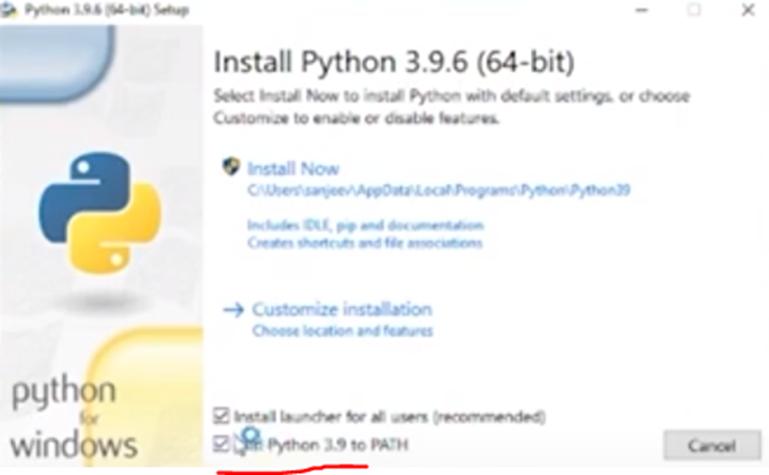
4) Click on “Install Now” link
5) Open cmd prompt
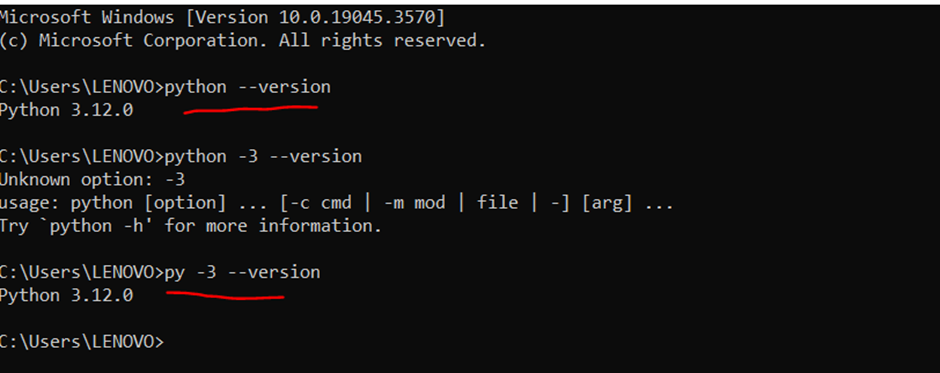
6) Run python –version or py -3 –version , for checking the python version